EG Link Dots
One held drag, one colour at a time, until every dot is joined.
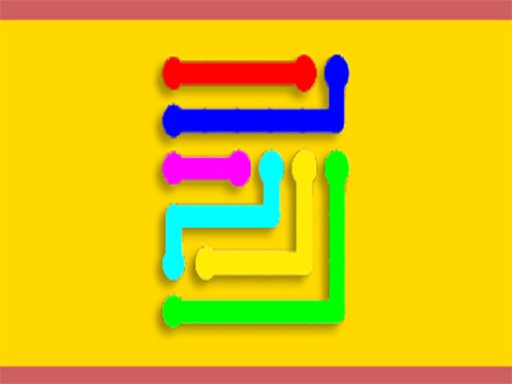
EcapsGames keeps this to one instruction: hold, drag out from a dot, and join it to another of the same colour. How that works is written out in What Is Mahjong?.
That single gesture is the whole interface. There is no tapping of pairs and no menu of moves, and the press has to stay down while the line travels, which is why the game is marked desktop-only and expects a mouse rather than a fingertip. Colour is the only property that matters, since the dots are otherwise identical, and the board leans on bright arcade palettes to keep them separable. From the same group, there is also Space Connect.
What the description does not spell out is how the boards escalate, and that is best found out by playing one. At 800 by 600 there is room for a good many dots, and the difficulty shows up as soon as two colours sit close enough that a careless drag catches the wrong one. The list this board belongs to also carries Link the Dots.
Controls
Mouse or trackpad; this build has no touch layout.
How to Play
- Press and hold on a dot to begin a line.
- Drag towards another dot sharing the same colour.
- Keep the press held while the line travels between them.
- Join every dot of every colour to finish the board.
Tips & Tricks
- Keep the button down — EG Link Dots is built around a held drag, and releasing early drops the line.
- Colour is everything — the dots differ in nothing else, so a misread palette is the usual mistake.
- Mouse required — this build is desktop-only and has no touch layout at all.
- Give crowded dots room — a drag that passes close to a wrong-coloured point is easy to misfire.
Frequently Asked Questions
How do you draw a line in EG Link Dots?
Hold on the screen and drag out from a dot; the press stays down while the line travels.
What decides which dots pair up in EG Link Dots?
Colour alone. You connect dots that share the same colour.
Does EG Link Dots run on a phone?
No, this build is desktop-only, so a mouse or trackpad is needed.