Connect Dots
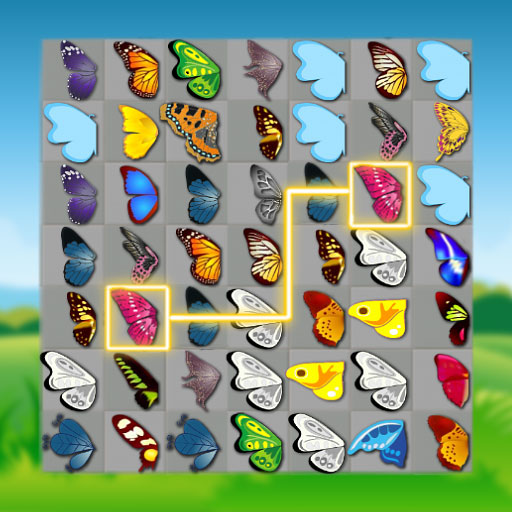
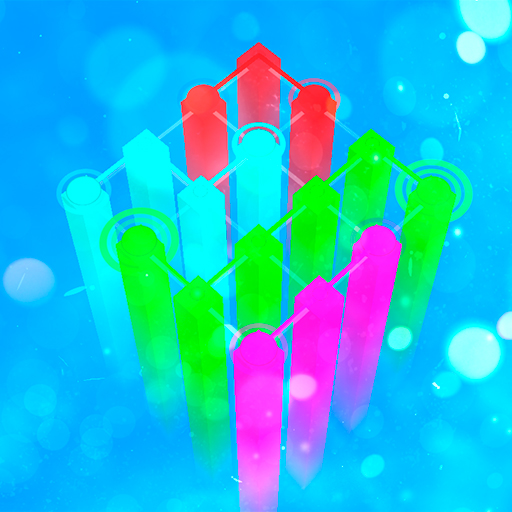
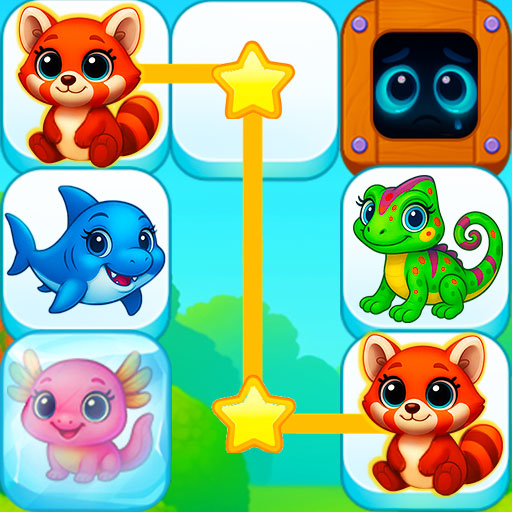
The JulGames build, wider than the usual dot board and staged across multiple levels.
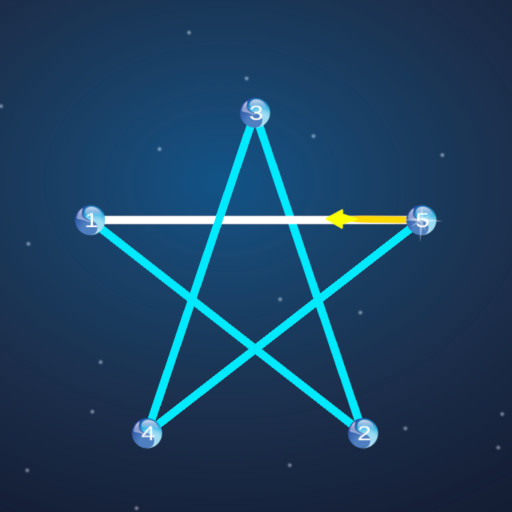
This is the JulGames build, and it should not be confused with the FG Studio board of the same name elsewhere in this section: same title, different developer, different build. The beginner rules page takes the same rules apart step by step.
The listing is brief to the point of terse, promising a puzzle with multiple levels and nothing else on the record. No timer is named, no level count, no scoring system, so the sensible thing is to state what is verifiable and leave the rest to the board. Also under this heading: Grand Master With Editor.
What is verifiable is the build itself. The window is 960 by 600, wider than the usual dot board, and it accepts touch as well as a pointer. Puzzles of this kind generally ask for a line drawn between marked points, and the level structure means the figures arrive one at a time rather than all at once. One more board from the same group is Jewels Connect.
Controls
Mouse, or tap on a touchscreen.
How to Play
- Open a level and look at how the points are arranged.
- Drag between them to draw the line the figure needs.
- Finish the figure to complete the level.
- Carry on through the levels the game supplies.
Tips & Tricks
- Check the developer — two boards on this site share the name Connect Dots, and this is the JulGames one at 960 by 600.
- Read the figure first — with no published rules, the arrangement on screen is the only briefing you get.
- Use the width — the wider window leaves more room between points than an 800-by-600 board does.
- Take the levels in order — the listing confirms multiple levels, and the early ones are where the rule becomes clear.
Frequently Asked Questions
Who made this version of Connect Dots?
JulGames. A separate board with the same name, built by FG Studio, also runs on this site.
How many levels does the JulGames Connect Dots have?
The listing confirms multiple levels but does not give a number.
What size is the JulGames Connect Dots board?
It is 960 by 600, and it works with a pointer or with taps.