Connect 2
The plain connect rule on a board of household objects: a kettle, a lamp, a pair of scissors.
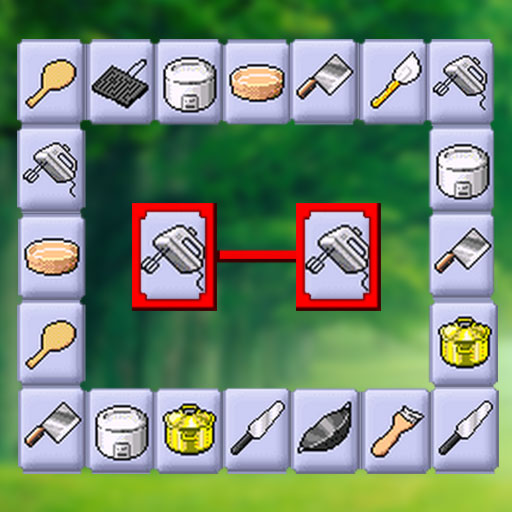
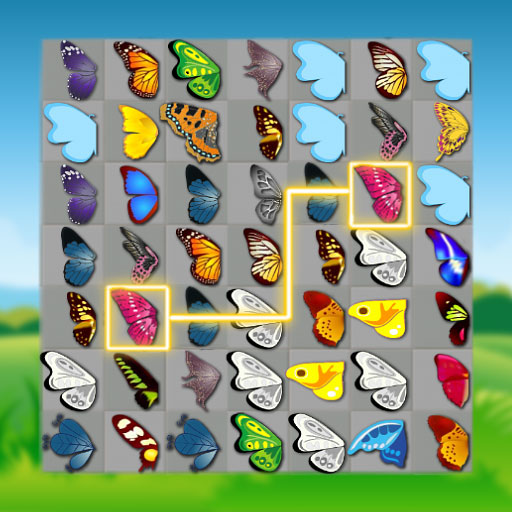
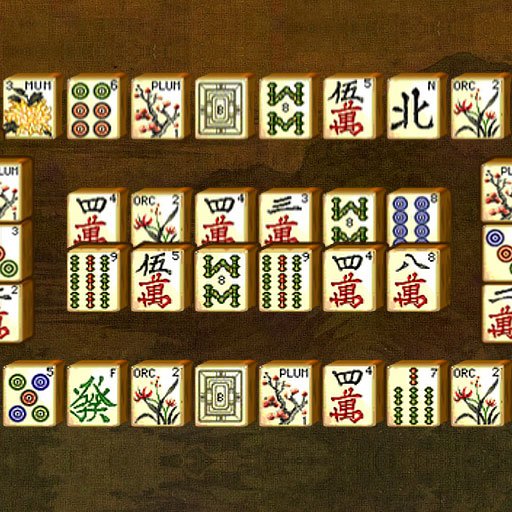
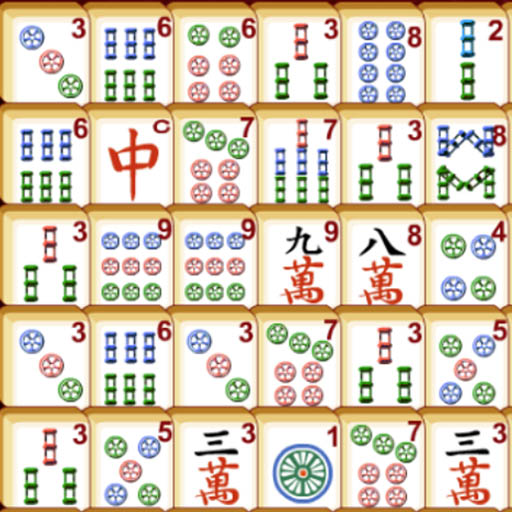
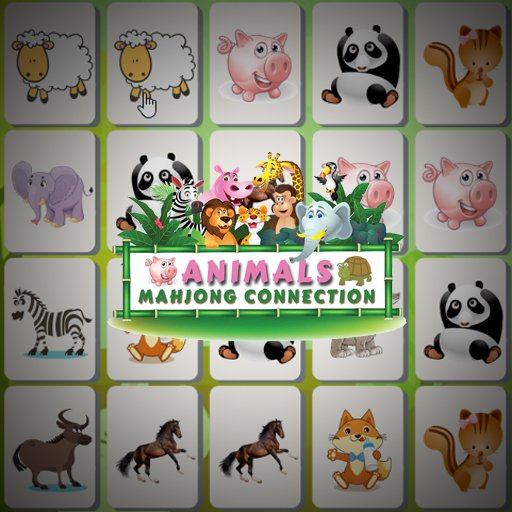
Connect 2 keeps the rule at its simplest. Two tiles carrying the same picture are joined by a path, and both leave the board once that path is drawn. The guide to connect boards covers where those rules come from.
The pictures are what give it character. The tiles are stocked with household items rather than tile suits or flowers, so a round is spent hunting a second kettle or a matching pair of scissors among the clutter of an ordinary home. Everyday objects turn out to be trickier to scan than abstract symbols, because so many of them share a silhouette. Reading the edges first works in Connect Halloween too.
Agame built it at 800 by 500, small enough to keep the whole board in view and take it in at a glance. Matching every pair on the layout is what finishes the round. The Dogs Connect Deluxe grid runs the connect rule on its own artwork.
Controls
Mouse, or tap on a touchscreen.
How to Play
- Look across the board for two tiles showing the same object.
- Create a path between them.
- Both tiles leave the layout once the pair is joined.
- Carry on until every pair has been matched.
Tips & Tricks
- Group by shape — the household objects of Connect 2 sort into tall, round and flat, which narrows a search quickly.
- Start at the edges — tiles on the outside have the most room for a path and free the ones behind them.
- Check the details — two kitchen items can look identical until you notice the handle.
- Take the pair you can see — hesitating over an awkward match while an easy one sits open only crowds the layout.
Frequently Asked Questions
What is on the tiles in Connect 2?
Household items, drawn as everyday objects rather than traditional tile suits.
How do tiles clear in Connect 2?
You create a path between two matching tiles, and the pair is removed.
How does a board end in Connect 2?
When every pair on it has been matched and the tiles are gone.