
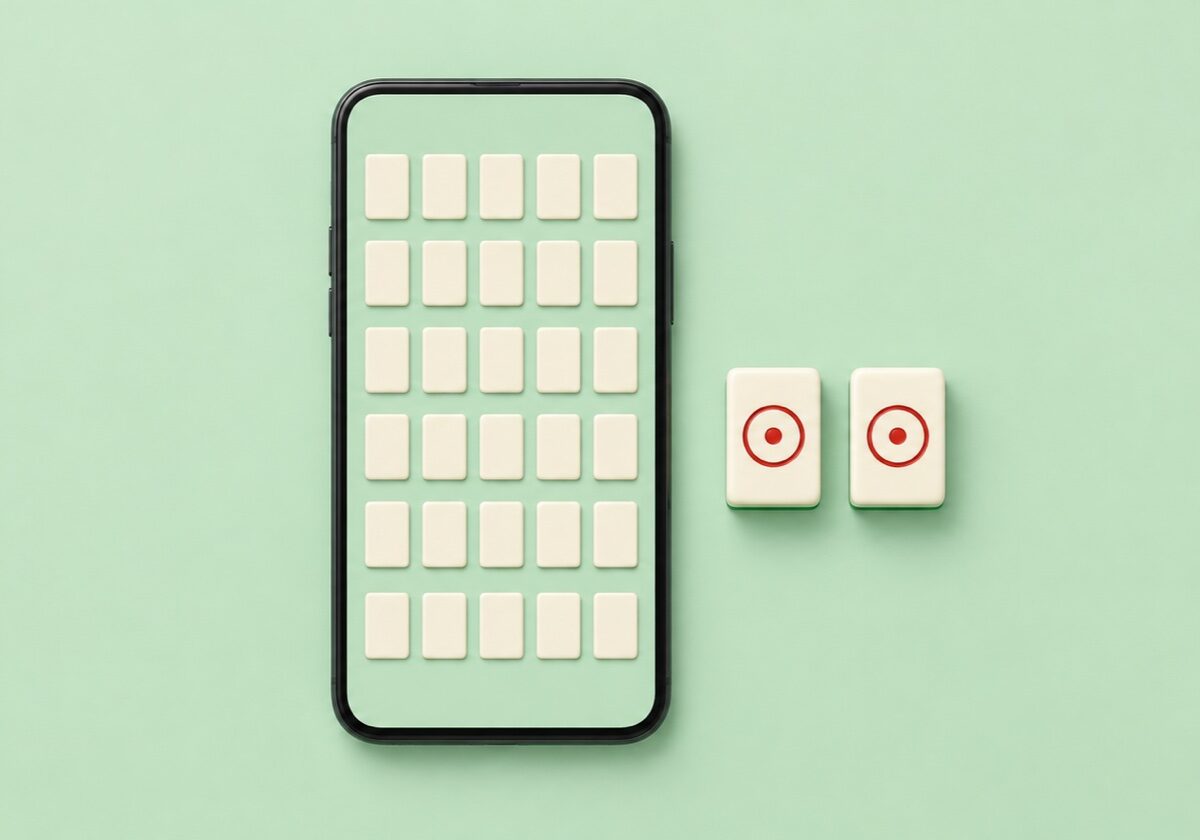
An installed tile app and a board opened in a tab are not competing for the same ten minutes. The app wins on a train with no signal, on a long flight, and for anyone who wants a streak counter and saved progress. The tab wins for a break between two other things, when installing a package for a five-minute board is out of proportion to the board. Knowing which situation you are in decides the question faster than any list of names.

What an installed app actually gives you
Four things, and they are worth being precise about. Offline play, which matters on a commute more than anywhere else. Saved progress that survives across sessions and sometimes across devices. Daily challenge structures that give a reason to return. And native gestures, which on a small screen means pinch-zoom that behaves properly rather than fighting the page.
The fourth is the underrated one. A four-layer stacked layout on a phone screen puts the tile faces below comfortable reading size, and how well an app handles zooming and panning around that board is the single largest difference between a pleasant app and an irritating one.
What it costs you
Storage, first: tile apps carry image sets for every theme, and a well-stocked one is not small. Then the monetisation, which on this genre almost always means interstitial adverts between levels, a paid removal of those adverts, and often consumable hints or shuffles. None of that is hidden, but it is worth checking before rather than after. The site’s own example of it is Kitchen Mahjong.
Permissions are the other thing to read. A single-player tile puzzle needs remarkably little from a phone, so a request for contacts or location is a reason to look at a different app rather than a normal cost of the genre.
How to read a store listing before installing
Work out which format it is first, because store titles are unreliable on this point. A listing showing a stacked turtle is solitaire. A listing showing a flat grid of identical squares is a connect board. A listing showing four hands of tiles, a discard pile and other players is the actual four-player table game, which is a completely different undertaking and not what most people searching for a tile app want. The map of Mahjong types is the short way to tell them apart from a screenshot. A layout of that kind in the catalogue here is Dream Pet Link.
Then check the layout count and whether the boards are guaranteed solvable, which good implementations state plainly. Then check whether hints and shuffles are unlimited, limited, or purchasable, since that single choice sets the entire difficulty of the app. Finally look at when it was last updated, because an abandoned tile app tends to break on new phone releases and stay broken.
Categories worth installing, with real examples
For plain solitaire with a large number of layouts, Mahjong Solitaire Epic by Kristanix is one of the long-established options and has been maintained for years across both stores. Mahjong Club is another that turns up constantly in the same category. Both are the straightforward stacked format with themes on top, and neither will surprise anyone who has played a browser board.
For the series that came from desktop casual publishing, the Mahjong Deluxe line by EnsenaSoft has run for several instalments and carries the same unhurried, no-pressure structure onto a phone.
For the actual four-player Japanese game, the two names that matter are Tenhou and Mahjong Soul, both of which run real riichi rules against real opponents rather than a puzzle wearing the same tiles. Be clear that this is a different game with a genuine learning curve: the riichi explainer covers what you would be signing up for, from the yaku requirement to furiten.
Deliberately absent from the above: rankings, star ratings, download counts and prices. Store positions move weekly and prices differ by region, so any figure printed here would be wrong by the time you read it.
Why a browser board still wins the short sitting
The comparison is not really about quality. It is about the overhead around the board. Opening a page costs a few seconds and leaves nothing behind on the phone; installing costs a download, an icon, a set of notifications to turn off and storage that stays occupied between the two evenings a month you actually play.
For a five or ten minute gap, that overhead is the whole cost. The mobile-friendly section here collects the boards that behave properly on a touchscreen, with faces large enough to hit accurately and layouts that do not need pinch-zoom to read. Full screen mode is the part worth using: it removes the browser furniture and gives the layout the whole display, which on a phone is the difference between a comfortable board and a cramped one.
Connect grids are the format that ports best to a small screen, since a single flat layer needs no depth and the tiles can stay large. A plain connect board is a fair test of whether a phone suits you for this at all, and the comparison of the two formats explains why the flat one holds up better under a thumb. Butterfly Kyodai is one of the layouts kept on this site.
A reasonable arrangement
Most people who play a lot end up with both: one app installed for journeys and offline stretches, and a bookmarked page for everything else. Choose the app for the offline case, which means judging it on layout count, solvability and how it handles zoom rather than on its theme artwork, and let the tab handle the short sittings where installing anything would be the larger effort.
This catalogue has been collecting boards since 2019 across the stacked, connect, tower and cube shapes, including Flash-era classics kept running through the Ruffle emulator. The three-format tour is the quickest way to work out which shape you want before you go looking for an app that does it.


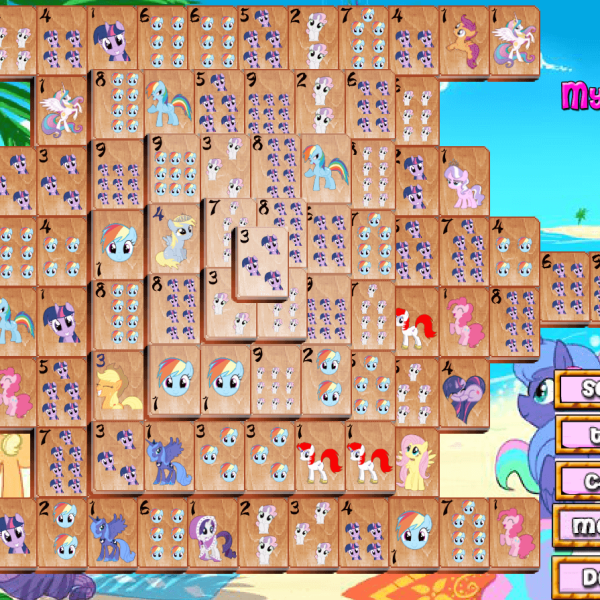
very interesting game, great when you have some free time!