

Back To School Mahjong
A plain classroom-themed stack, cleared two identical tiles at a time with nothing counting down.
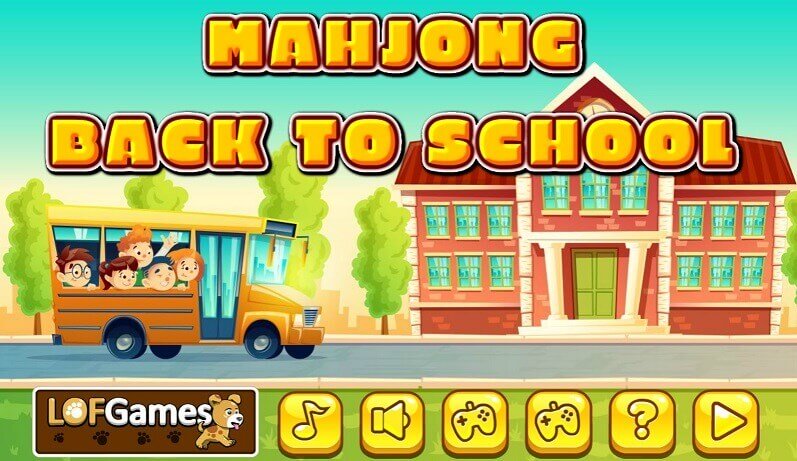
Back To School Mahjong keeps the classroom theme deliberately plain: notebooks, satchels, chalk and lunch boxes on the faces, with the familiar stacked arrangement underneath. It was built as an unhurried board, and the design shows in what it leaves out, since nothing counts down while you look.
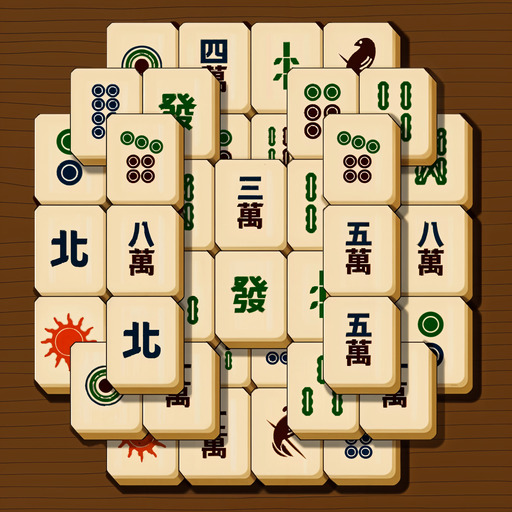
Play is as direct as the theme. Two identical tiles are removed with a click or a tap, and the board empties one pair at a time until the last satchel is gone. Anything buried under another tile has to wait for the one above it to leave, which is what turns a simple rule into a puzzle. The same free-tile rule governs Mahjong Deluxe Plus.
Because no timer is running, the sensible approach is to look before you take. A shuffle is offered in the layouts that carry one, rearranging what is left when the visible pairs run out, and the board is drawn for desktop screens and phones alike. Pairs leave the stack the same way in Solitaire Mahjong.
Full screen makes the classroom clutter readable, as two blue exercise books at window size are very nearly the same object. Beginners clear whatever is easiest around the edges and end up with a sealed middle, so taking the top layers down first is what keeps Back To School Mahjong solvable. The Match Solitaire pile piles the tiles into a different silhouette.
Controls
Click or tap two matching tiles.
How to Play
- Look across the classroom board for two tiles showing the same item.
- Make sure that neither of them is covered by a tile resting on top.
- Click or tap the two in turn to remove them from the board.
- Carry on pair by pair until the last of the school items has gone.
Tips & Tricks
- Empty the upper layers first — in Back To School Mahjong a covered notebook cannot be matched at all.
- Scan the whole desk before clicking — no clock is running, so a full look costs nothing.
- Watch for near-identical stationery — two exercise books of the same colour differ only in the detail on the cover.
- Use the shuffle where the layout offers one, and only once the visible pairs have genuinely run out.
- Switch to full screen — the classroom clutter is small, and an enlarged board removes most misclicks.
Frequently Asked Questions
How are tiles removed in Back To School Mahjong?
Click or tap two identical tiles and both leave the board.
Is Back To School Mahjong timed?
No, there is no time limit, so the board can be worked through at whatever pace suits you.
What is pictured on the tiles in Back To School Mahjong?
Classroom items — notebooks, satchels, chalk and other school supplies.
Does Back To School Mahjong open in full screen?
Yes, and the larger board is what separates two similar exercise books.
What can you do when Back To School Mahjong runs out of visible pairs?
Use the shuffle if the layout provides one; it rearranges the tiles that are still on the board.



What 2 players said
Left on this page by visitors over the years. New comments are closed.
Great game! Develops the visual system, improves memory, increases mental stamina.
I like this game